
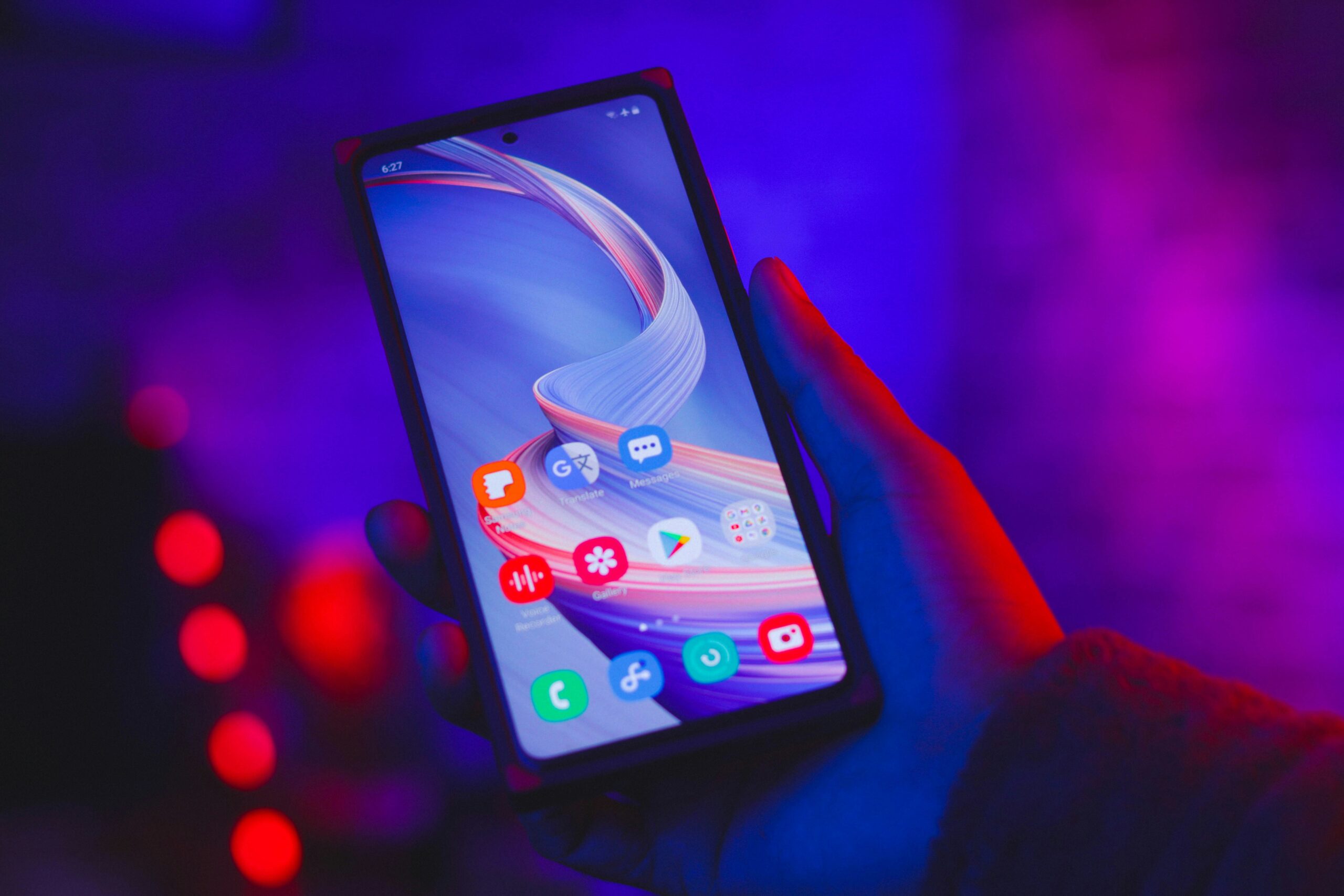
Tasha just switched from an iPhone to a Galaxy S26, and she was bracing for the worst part of any phone swap: an hour of retyping passwords, one login at a time, until every app worked again. Samsung’s new update erases most of that hour down to a single QR code scan. The company confirmed on September 1 that One UI 9 automation is rolling out to the Galaxy S26 line within days. It changes how much your phone can handle without you tapping through five different apps. The update pairs a smarter Gemini assistant with a fix for one of mobile tech’s most annoying gaps: sharing files between an iPhone and an Android phone.
Gemini Now Chains Tasks Across 40+ Apps
Gemini Intelligence sits at the center of the release. Normally you open one app, find the right button, then switch to another app to finish the job. Now you can type or say one request, and Gemini carries it out across more than 40 apps. Ask it to pull dinner reservation details from your email. It can add the event to your calendar and text your partner the address, all from one request. That is the kind of small chore that eats five minutes a day and adds up over a week.
Gemini Notebook rolls your notes, research, and saved AI answers into one workspace. You stop hunting across three apps for the thing you wrote down last Tuesday. Ask AI lives inside Samsung Internet, so you can ask a question about the article you are reading without leaving the page. Now Nudge replaces old-style notifications with reminders that show up when they are actually useful, not just when an app wants your attention.
One UI 9 Automation Fixes Cross-Phone File Sharing
The bigger everyday win might be the file-sharing fix. Galaxy S26 phones can now send photos and documents straight to an iPhone, iPad, or Mac. iPhones running iOS 26.6 or later can send files back. Neither side needs a third-party app or an email-to-self workaround. Samsung and Apple users have spent a decade emailing themselves photos or fighting with Bluetooth transfers that stall halfway through. A direct, no-app-required transfer is a real change for any household or friend group split between Android and iPhone.
Setup gets faster too, which is where Tasha’s switch comes in. Smart Switch now pulls passwords, passkeys, call history, and eSIM data straight from an iPhone with a QR code scan. Switching phones used to mean an hour of re-entering logins one at a time. Now it takes a scan and a few minutes, and Tasha was back to texting friends before her coffee got cold.
Who Gets the Update, and Who Benefits Most
None of this requires a new phone purchase beyond the S26 line. Samsung says the AI features do need at least 12GB of RAM, so older Galaxy models miss out on the full package. The rollout starts with the Galaxy S26, S26+, and S26 Ultra. The Galaxy S26 FE ships with One UI 9 already installed starting September 4.
The people who benefit most are the ones juggling small daily tasks across too many apps. Think parents coordinating a family calendar, or anyone splitting screen time between an Android phone and an iPhone-owning household. People who switch phones every couple of years and dread the setup process, like Tasha, gain the most too. None of these are dramatic use cases. That is the point. Good automation removes friction you had stopped noticing, because you had gotten used to living with it.
Samsung’s own Bixby diagnostics update earlier this year showed the same pattern. Give the phone a task it can run on its own, and the daily list of small chores gets a little shorter. Google’s Gemini Live took the same approach for hands-free mornings. One UI 9 just applies that idea more broadly, across more apps and more of the phone. If this pace keeps up, the next few Android and Galaxy updates will probably keep quietly erasing the small chores nobody misses once they’re gone.