
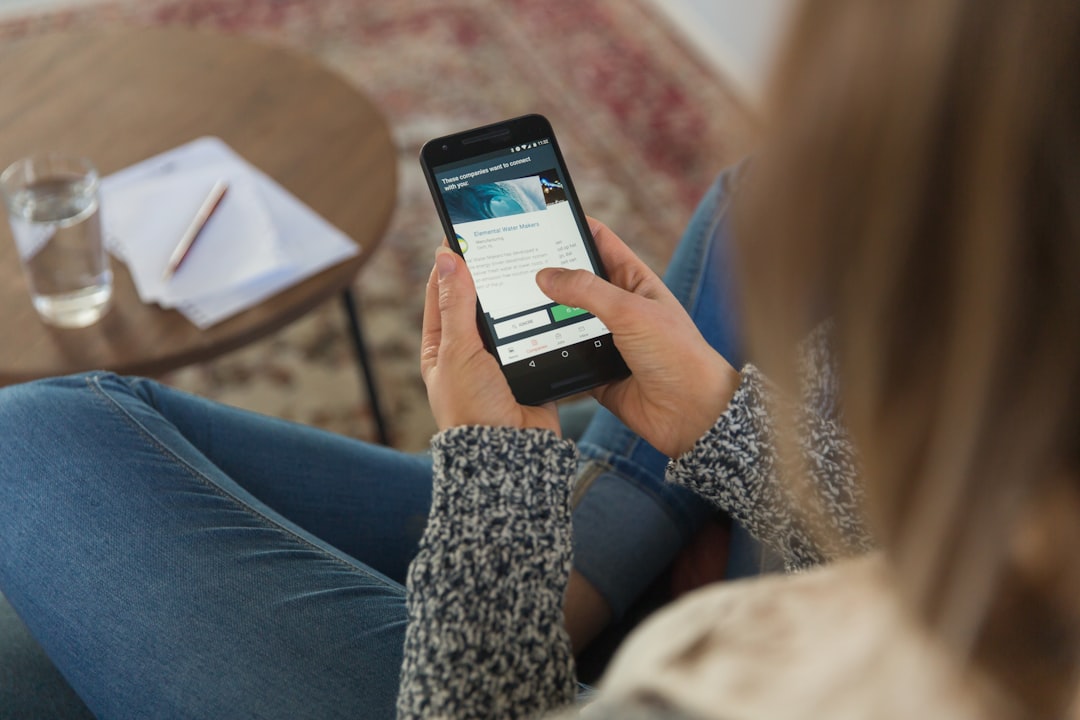
A phone runs hot in your pocket. A Bluetooth speaker won’t pair. Most people want a fast fix without digging through settings menus. Samsung is testing a Bixby feature aimed at that problem: the Bixby Diagnostics feature lets you describe an issue in plain language, and Bixby responds with troubleshooting help.
- Status: Beta, and details may change before a stable release
- Availability: One UI 9 Beta 7 on the Galaxy S26 series; no stable release date given (Samsung Magazine)
- Works with: Galaxy S26 series only is named
- Reported by: Sammy Fans (Aug 30), Samsung Magazine, Android Authority (dates the beta to Aug 28, 2026)
Talking a problem through with Bixby
You open a new Diagnostics section in Bixby and describe what’s wrong. Sammy Fans lists example prompts such as overheating, low call volume, and Bluetooth connection failures. Samsung Magazine reports that Bixby uses the system’s diagnostic tools and suggests steps to fix the problem.
Neither article lists everything Diagnostics can handle, so treat the examples as illustrations, not a support list. We haven’t tested it and can’t say how often the advice solves anything. Sources describe suggested troubleshooting steps and don’t claim it repairs hardware faults. For those, a repair or a call to Samsung support may still be needed.
Two other Bixby changes
Gesture Wake-up drops the wake word. Android Authority says you hold the phone near your mouth and speak to start Bixby, and the setting sits in the Bixby app’s settings. It won’t work when Bixby is busy with another task or during media playback. Google offers a similar hands-free idea in Gemini Live’s hands-free mode.
Interpreter integration, per Sammy Fans, builds real-time conversation interpretation into Bixby, so you no longer open the separate Interpreter app. Neither article we read lists supported languages. It sits alongside quieter voice updates such as Google’s Gboard Rambler voice typing.
What’s available, and to whom
| Feature | What it does | Status | Source |
|---|---|---|---|
| Diagnostics | Troubleshoots problems you describe in plain words | Beta, Galaxy S26 series | Sammy Fans, Samsung Magazine |
| Gesture Wake-up | Starts Bixby when you hold the phone near your mouth | Beta, Galaxy S26 series | Android Authority |
| Interpreter integration | Live translation inside Bixby | Beta, Galaxy S26 series | Sammy Fans, Samsung Magazine |
Sammy Fans separately reports that One UI 9 stable has begun reaching some other devices. Its page doesn’t say these three Bixby features are included there.
Why It Matters to You
Everyday Galaxy owners who aren’t comfortable with settings menus could describe a problem in plain words and get suggested steps. Think of a parent checking a child’s phone before school, or an older adult who’d rather not call a relative at the first glitch. Interpreter built into Bixby could also help people talking across languages. Right now it’s a beta on the Galaxy S26 series only, and the sources don’t say how often the advice works.
Open questions
- We found no official Samsung page describing Diagnostics. Our details come from Sammy Fans, Samsung Magazine, and Android Authority, and Android Authority said Samsung’s own beta changelog was light on details.
- Sources don’t list supported languages for Interpreter or regions for any of the three features.
- No source gives a success rate for Diagnostics, so claims that it replaces a support call are unproven.
Common questions
Which phones get Bixby Diagnostics?
In the beta, only the Galaxy S26 series is named. Sources don’t say whether older models will get it.
Is Diagnostics available in the stable software?
The sources we opened describe it as a beta feature. Samsung Magazine says no stable release date has been given.
How does Gesture Wake-up work?
Per Android Authority, you hold the phone near your mouth and speak. It won’t work while Bixby is busy or media is playing.
Sources
- Sammy Fans: Samsung upgrades Bixby with 3 new One UI 9 features (Aug 30, 2026)
- Android Authority: Galaxy S26 One UI 9 Beta 7 Bixby features (Aug 2026)
- Samsung Magazine: Bixby in One UI 9 (Sep 1, 2026)