
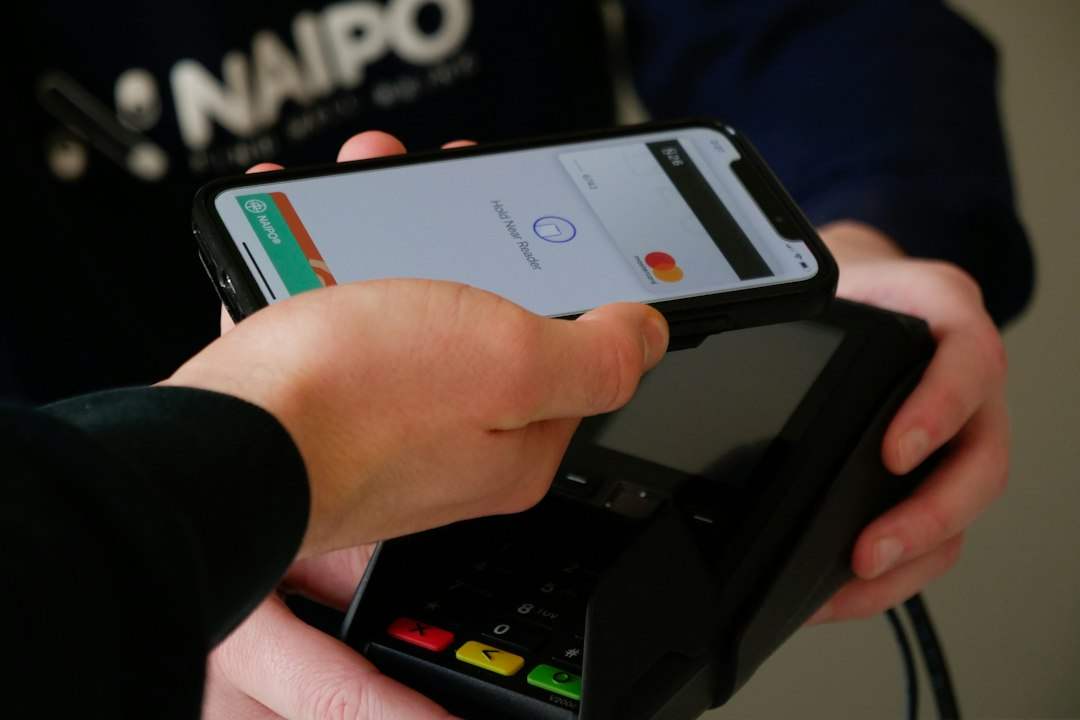
Derek Washington loads pallets at a distribution center outside Columbus, Ohio. Every month he sends $250 to his father in Lagos. The transfer usually costs him close to $16 before his dad ever sees a naira. That’s a tank of gas, gone, just to move money that’s already his.
Starting the last week of October, Derek won’t need a separate app for a cheaper way to send that money. He just needs the Samsung phone already in his pocket. Samsung confirmed on October 7 that it’s bringing Samsung Wallet USDC support to eligible Galaxy phones. USDC is a stablecoin pegged to the US dollar, and the rollout reaches roughly 82 million compatible Galaxy devices in the US running Android 13 or newer.
That reach matters. Most stablecoin apps make people come find them. Samsung Wallet already sits on phones people check hourly, so this won’t feel like crypto. It’ll feel like checking a text.
What the Samsung Wallet USDC Feature Actually Does
At launch, eligible users get two options. They can send USDC to crypto wallets anywhere in the world, or send money straight into bank accounts in more than 60 countries, with the recipient getting local currency. Samsung shows the fee before you confirm.
Samsung charges nothing to move USDC to an external wallet. The bank payout side is murkier: no published fee schedule yet, and the receiving bank can still tack on its own charge. This isn’t a free lunch. It’s a meaningfully cheaper lane, built into a phone millions already own.
What It Could Save a Family Like Derek’s
The World Bank’s Remittance Prices Worldwide database puts the average cost of sending money abroad at 6.36%. On $250, that’s almost $16. On $500, it’s $32. Over a year of monthly transfers, that’s real money lost, money that could cover school supplies or a car repair instead.
Samsung’s zero-fee transfer won’t erase every cost, since a bank payout fee can still apply. But it removes the biggest markup: the cut a traditional money transfer operator charges just for moving the money at all.
“Samsung’s global reach makes this a significant distribution milestone for USDC,” said Alec Lovett, Coinbase’s head of infrastructure products, whose company’s Coinbase Prime Vault will hold the USDC inside Samsung Wallet.
I’ve watched plenty of “crypto for the unbanked” pitches fade once people needed a new app and a reason to trust it. This one skips that step: the phone’s already verified, fingerprint and all.
Who Can Use It, and What’s Still Missing
This isn’t open to everyone on day one. To use the feature, you need to be:
- A US resident, 18 or older
- Signed into a Samsung Account
- Using a compatible Galaxy device on Android 13 or higher
- Willing to complete identity verification and biometric setup
There’s no in-store tap-to-pay yet, no online checkout, and the feature starts US-only. Behind the scenes, Bastion handles custody and Coinbase secures the USDC. Transfers run on Solana and Sui, and Sui says that keeps network costs at $0.
El Salvador’s Sivar app already cut remittance costs to a flat $2 fee, and OKX Money recently opened dollar savings to first-timers. What makes Samsung different is distribution: it doesn’t need you to go find it. As one commentator argued in a piece on Irish Tech News, past stablecoin apps “all required the user to come to them.” Samsung is going the other way.
If you send money abroad and own a Galaxy phone, check your eligibility once the feature lands in late October. Compare the real total cost, Samsung’s fee plus any bank charge on the other end, against whatever you use now. A few minutes of comparison shopping could put real money back in your pocket every month.